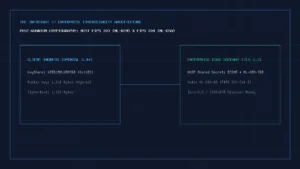
CTAP2.2 Hybrid Transport protocol establishing an end-to-end encrypted tunnel via BLE proximity handshake.
As FIDO2/WebAuthn adoption accelerates across Google, Apple, Microsoft, GitHub, and financial institutions, users face a critical architectural decision: Should you store passkeys inside your operating system’s built-in enclave (Apple iCloud Keychain, Google Password Manager, Windows Hello) or inside a cross-platform password manager (Bitwarden, 1Password, Proton Pass)—or keep passwords + hardware security keys? While our Passkeys vs. Passwords Security Guide explains the cryptographic protocol, this guide evaluates the real-world portability, lock-in, and recovery trade-offs between OS enclaves and third-party password vaults.
Interactive Passkey Vault & Recovery Architecture Advisor
Select your daily device ecosystem and security profile to generate a non-lockout passkey storage architecture.
Recommended Primary Passkey Provider:
Cross-Platform Vault (Bitwarden or 1Password) with OS Credential Provider API enabled
Mandatory Redundancy & Anti-Lockout Rule:
Register a second independent passkey in your phone’s native enclave (iCloud Keychain or Google Password Manager) PLUS one physical FIDO2 hardware key (e.g., YubiKey 5 NFC) stored offline so a vault outage or lost phone never causes circular lockout.
OS Enclaves vs. Cross-Platform Password Managers vs. Hardware FIDO2 Keys
| Evaluation Dimension | OS Native Enclaves (Apple Passwords, Google PM, Windows Hello) | Cross-Platform Password Managers (Bitwarden, 1Password, Proton Pass) | Device-Bound Hardware FIDO2 Keys (YubiKey 5, Token2, SoloKeys) |
|---|---|---|---|
| AitM Phishing Immunity | 100% (Origin-bound WebAuthn rpId check) | 100% (Origin-bound WebAuthn rpId check) | 100% (Origin-bound + physical touch required) |
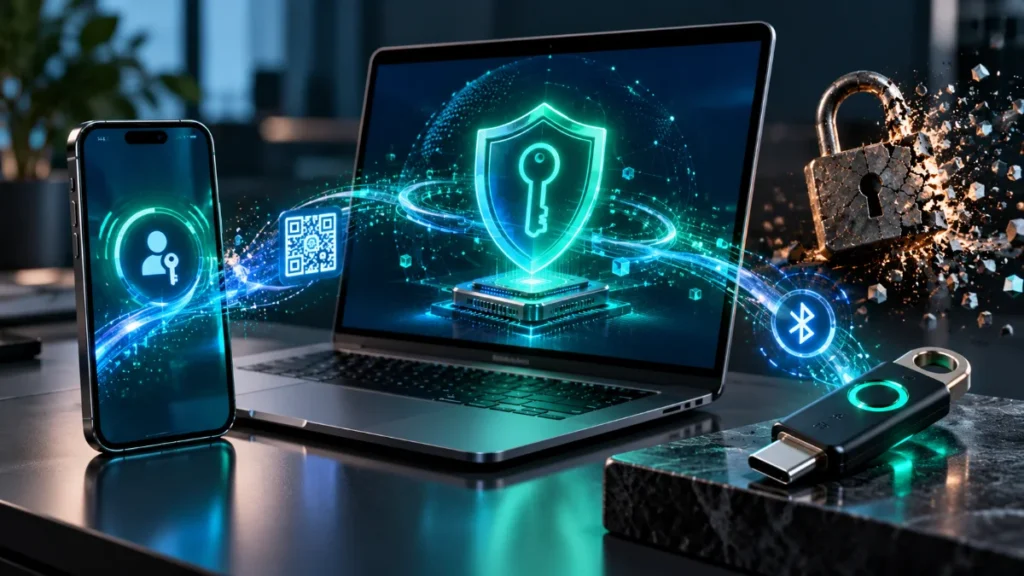
| Cross-OS Portability | Low (Requires scanning a CTAP2.2 hybrid Bluetooth QR code on non-native OS) | High (Syncs seamlessly across Windows, macOS, Linux, iOS, and Android) | High (Works via USB-C / NFC across any FIDO2-compliant browser) |
| Private Key Storage Boundary | Hardware Secure Enclave / Titan M2 + E2EE cloud sync | Zero-knowledge encrypted vault (AES-256 / XChaCha20) unlocked by master key | Non-exportable hardware secure element (key never leaves silicon) |
| Primary Failure / Lockout Risk | Ecosystem account suspension or losing all trusted devices simultaneously | Storing the password manager’s own login passkey inside itself (circular lockout) | Physical loss if a second backup hardware key is not registered |
| CXP / CXF Export Support | FIDO Credential Exchange Protocol (CXP) rolling out across iOS/macOS/Android | Native CXP/CXF import/export supported in modern vault releases | Intentionally non-exportable by hardware design |
The Circular Dependency Trap: Never Store Your Vault’s Own Passkey Inside Itself
The single most common mistake when migrating to passkeys is registering a passkey for your primary identity provider (such as your Google Account) or your password manager (Bitwarden / 1Password) only inside that same vault. If your browser sessions expire or your laptop is replaced, you cannot unlock the vault without the passkey, and you cannot reach the passkey without unlocking the vault. Always enforce a strict two-tier separation rule:
- Tier 0 (Root Identity & Vault Master Access): Protect your Google Account, Apple ID, and password manager master login using at least two independent hardware authenticators (your phone’s hardware Secure Enclave + a physical FIDO2 security key) and store offline printed recovery codes in a physical safe.
- Tier 1 (Everyday Relying Parties): Store passkeys for SaaS apps, developer portals, e-commerce, and social accounts inside your cross-platform password manager so they work natively across every desktop browser and mobile OS without QR-code friction.
Written and prepared by Kshitij Gupta.