
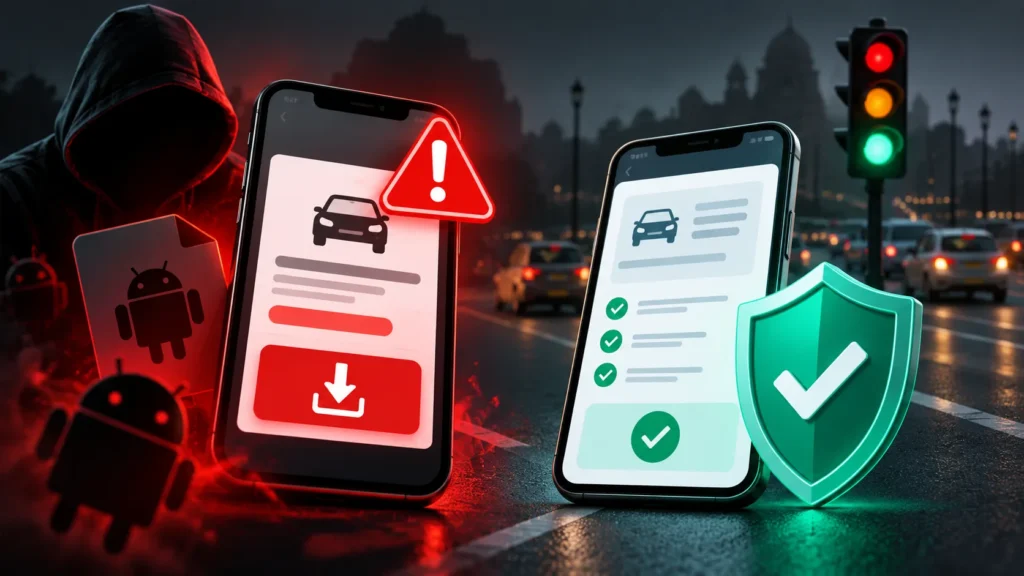
Got an SMS or WhatsApp message saying you have a pending traffic fine, with a link or an app to “clear the challan”? Do not open it, and never install an app (.apk file) from a message. Check for real challans only by typing the official e-Challan address yourself: echallan.parivahan.gov.in.
Already tapped the link or installed the app?
- Turn off mobile data and Wi-Fi on that phone, and do not use it for banking until it has been cleaned.
- Call your bank on the number printed on your card and ask it to block UPI, cards and net banking for now.
- Call 1930 and file a complaint at cybercrime.gov.in, especially if money has already gone.
- From a different phone or computer, change your banking, email and WhatsApp passwords.
- Uninstall the app if you can, or take the phone to the cyber police or a trusted technician.
What happened in Wayanad this month
On 3 November 2026, a businessman in Wayanad, Kerala, received a text saying he had pending traffic fines and could face court proceedings if he did not pay. He tapped the link, which showed no fine details. He checked the official Motor Vehicles Department website, found nothing pending, and thought no more of it. That night his phone showed unusual alerts, including a prompt to “update WhatsApp”. By the next morning, ₹2,16,541 had been taken from his account through several Google Pay and PhonePe payments (Onmanorama, 9 November 2026).
The lesson: checking the official site was the right instinct, but by then the damage may already have been started by tapping the link. Do not open the link at all.
How the scam works
Kerala Police described the pattern in September 2026 (ThePrint/PTI):
- A message arrives from an ordinary mobile number with what looks like real challan details and a link.
- The link opens a fake page made to look like the e-challan portal. It asks for your vehicle number.
- It then shows a box such as “Internal Security Review” and asks you to download an app to clear the challan.
- The app is malware. Once installed, it can read your SMS messages, including bank OTPs, and that is how money is taken without you sharing anything.
PIB Fact Check has warned that fake challan links, apps and PDFs can expose your messages and OTPs, and advises checking challans only on the official Parivahan portal (Outlook Money).
How to tell a fake challan message
| Fake | Real |
|---|---|
| Sent from an ordinary 10-digit mobile number or on WhatsApp | Comes as an SMS from an official sender ID |
| Asks you to install an app or open a .apk file | Payment and checking never need an app from a message |
| Link goes to a look-alike address, not ending in .gov.in | Official site: echallan.parivahan.gov.in |
| Threatens court action or licence suspension within hours | Shows a challan number you can look up yourself |
The safe way to check
- Type echallan.parivahan.gov.in into your browser yourself and search by vehicle number or challan number.
- Install apps only from the Google Play Store or Apple App Store, never from a link in a message.
- On Android, keep “Install unknown apps” switched off for WhatsApp, Messages and your browser.
- Report the number that messaged you on Sanchar Saathi (Chakshu).
Sources
- Onmanorama: fake traffic fine text leads to cyber fraud, 9 November 2026
- ThePrint (PTI): Kerala Police warn of malicious APK scam via fake e-challan SMS, 26 September 2026
- Outlook Money: PIB warns fake e-challan messages can expose OTPs
Written by Kshitij Gupta with AI assistance, from the sources above. Last checked 11 November 2026.