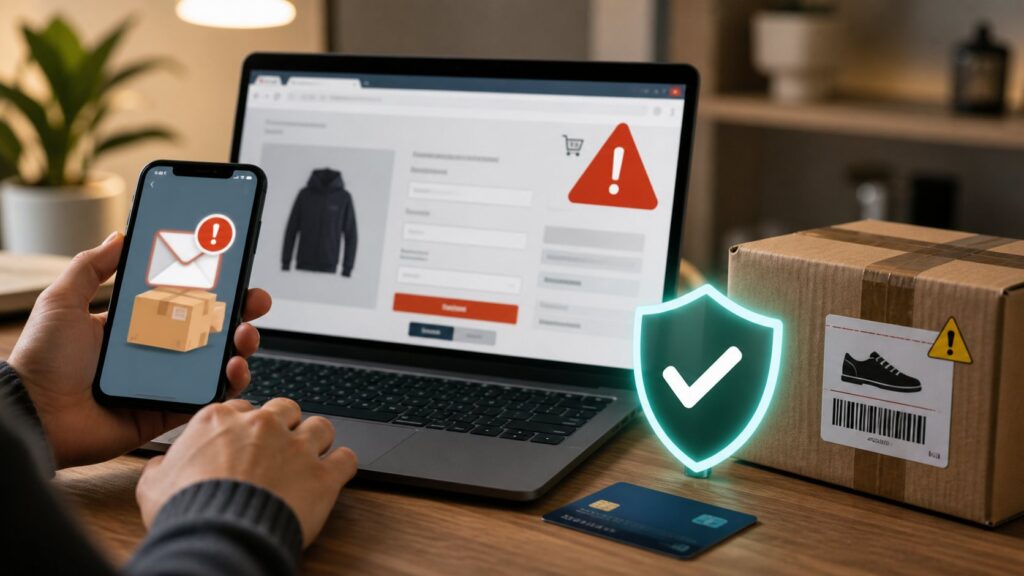
Verify the seller, the offer and the payment separately. A professional-looking shop, encrypted checkout or convincing delivery message does not establish that a purchase is genuine. This guide helps buyers and marketplace sellers recognize risky requests without assuming one country’s payment system or consumer law.
Check the transaction before paying
Record what you expect to receive, who is supplying it, the total price and the promised delivery terms. Look for contact information and a clear returns policy. Examine independent evidence of the seller’s history rather than relying solely on reviews presented by the seller.
The US Federal Trade Commission’s online-shopping guidance recommends checking sellers, considering reviews critically and retaining transaction records. It also distinguishes encryption from legitimacy: HTTPS protects a connection in particular ways, but scammers can use it too. The page’s legal deadlines apply to its jurisdiction, not automatically to every reader.
Recognize requests that change the deal
| Situation | What changed? | Independent check |
|---|---|---|
| A shop asks you to pay outside a marketplace. | The payment route or available protection. | Read the marketplace’s current rules and the payment provider’s terms. |
| A courier message demands an extra fee. | A new charge not confirmed in your order. | Open the genuine carrier or shop account separately. |
| A buyer sends a link to receive funds. | The buyer controls the proposed verification route. | Check your own payment history and the provider’s receiving procedure. |
| Support asks for a code or remote access. | A purchase issue becomes an account-access request. | Contact the genuine service before granting access. |
| A refund requires another payment. | Money is being requested instead of returned. | Ask the original provider to confirm the refund process. |
This is an editorial decision aid, not a classification test that can prove fraud. A delayed parcel alone may be a delivery problem. A fake payment notification, meanwhile, may appear before any real transfer exists.
Read what payment approval will do
Check the recipient, amount, currency and any recurring authorization on the actual payment screen. Authenticate only an action you understand and intend. Receiving procedures differ among services, so do not apply a PIN rule from one payment network to every bank or app.
A legitimate authentication control can still approve a transaction induced by deception. Keep account authentication separate from checking whether you owe the requested money. See our payment-request guide for that distinction.
Protect yourself when selling
Keep order discussions and payments within the verified workflow you chose. Check whether funds actually appear in your account and understand the provider’s rules before shipping; a screenshot sent by a buyer is not your own transaction record. Treat unexpected overpayment, account-upgrade and refund requests as matters to verify with the genuine platform.
Do not disclose passwords or verification codes to a buyer or someone claiming to be marketplace support. Find support through the service independently. Read our OTP guide if account access may have been exposed.
If something goes wrong
Save the listing, order details, promised terms, messages and payment references securely. Contact the genuine seller or marketplace about an ordinary order problem. If deception or unauthorized account activity is suspected, contact the affected payment provider promptly and ask which dispute or protective process applies.
Describe the facts accurately, including whether you approved a payment after being misled. Authorized and unauthorized transactions may be treated differently. The FTC scam-response guide describes contacting providers to ask about recovery. It does not support a worldwide guarantee of reimbursement within 72 hours.
Deadlines, eligibility and reporting bodies vary by provider, payment method and location. Use verified local consumer-protection or law-enforcement channels where relevant. Be cautious of unsolicited recovery services promising guaranteed returns for an advance fee; the FTC documents this pattern in its recovery-scam guidance.
A purchase decision record
Before an unfamiliar purchase, write five short answers: what is being sold, who is responsible, what is the full cost, what payment protection applies, and how would you resolve a problem? An unanswered question is a reason to investigate, not evidence that the seller is dishonest. Use fictional details when practicing and avoid storing card secrets in the worksheet.
Glossary
- Marketplace: a service that connects sellers and buyers.
- Dispute: a provider’s procedure for challenging a transaction or order problem.
- Recurring authorization: permission for future payments under specified terms.
- Recovery scam: deception promising to recover a prior loss.
Sources and editorial review
Updated 1 October 2026. Primary FTC material supports the named scam patterns; its national legal provisions are not presented as global rules. The table and worksheet are original learning aids. No shop, delivery service or dispute outcome was tested. Continue with our online-safety hub and send corrections through our contact page.
Written and prepared by Kshitij Gupta.