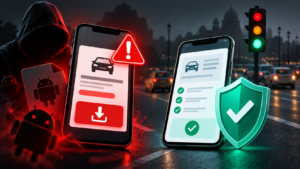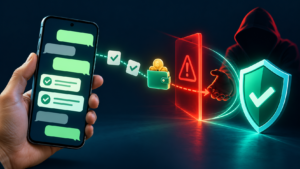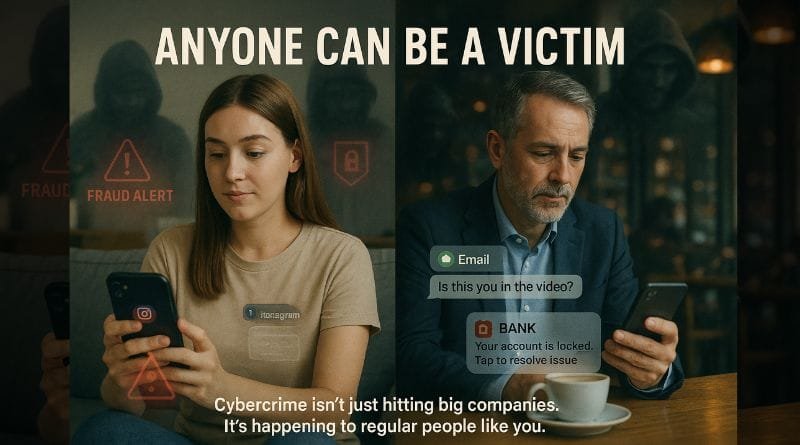
Cybercrime can involve stolen access, deceptive payments, malicious software or misuse of personal information. These problems need different responses. Start by identifying what happened: did you read a message, enter a password, share a sign-in code, approve a payment, install software or lose access to an account?
This guide provides a global prevention and response framework for individuals and small teams. Reporting routes and legal obligations depend on your location and circumstances. Use the relevant provider’s verified support channel and your local official reporting service; no single helpline or refund rule applies worldwide.
Recognize the requested action
Phishing messages can impersonate a familiar organization and invent an account problem, unexpected bill or urgent request. The important check is whether you are being pushed to reveal information, open a file or follow a link. The FTC’s phishing guidance recommends contacting the organization through information you independently know is genuine.
Instead of deciding from a logo or fluent wording, open the official app or a previously verified website yourself. A suspicious message can be persuasive and still be fraudulent. If the request involves another person, contact them through an established channel before acting.
For example, an unfamiliar message may say that a supplier changed its payment details. Treat this as a request to verify independently, even if the amount and supplier name are correct. This is an illustrative scenario, not a reported victim case.
Protect the accounts that control recovery
Email often connects to the recovery process for other accounts. The NCSC’s online-security guidance recommends a strong, separate email password, two-step verification, software updates and backups. These are useful controls for readers beyond the source’s home jurisdiction; they do not establish universal legal duties.
Review your account’s recovery details and keep legitimate recovery information available securely. Use unique passwords through a reputable password manager where appropriate. For sign-in-code risks, read our OTP scam guide; extra authentication does not make every unexpected authorization request safe.
Make the plan specific: which account would you need first if your phone were unavailable, and how would you contact its provider? Resolve that question before an incident. Keep recovery secrets out of ordinary messages and shared documents.
Match your response to the exposure
| What happened? | First priorities | Information to record |
|---|---|---|
| You received a suspicious message | Pause; verify through a separate trusted route | Sender, time, message and requested action |
| You disclosed account access information | Use the provider’s legitimate recovery and security process from a trusted device | Affected account, what was shared and when |
| You approved or noticed a fraudulent payment | Contact the payment provider promptly through verified support | Transaction reference, amount, recipient and time |
| You installed unexpected software or granted remote control | Stop following the contact’s instructions; obtain device-specific security help | App name, permissions, installation time and observed changes |
| A workplace system is affected | Notify the designated incident-response team | Observed symptoms and actions already taken |
This table organizes the first conversation with support. It is not a forensic diagnosis or a complete remediation procedure. Multiple exposures can occur together, so explain the sequence rather than reporting only the final symptom.
If money or account access is affected
The FTC’s scam-response guidance advises contacting the relevant bank or payment company and asking whether a transaction can be stopped, reversed or refunded. The available process depends on the payment method and circumstances. Contacting support is worthwhile, but it does not guarantee recovery.
Tell the provider accurately whether you approved the payment under deception or whether it occurred without your authorization. Keep its case reference and written instructions. Use a trusted device if the original device may be compromised.
For an affected account, follow its official recovery process, change exposed or reused passwords, and review security settings and recovery details. Do not rely on a caller claiming to represent support. If your telephone number was taken over, involve the mobile provider; our SIM-swap recovery guide explains that separate dependency.
If malicious software or ransomware is suspected
Malware is software capable of harmful actions; ransomware can prevent access to a device or data. NCSC guidance emphasizes layered protection, regularly tested backups and separating backups from systems an attacker can reach. It also warns that paying a ransom does not guarantee restoration. See its malware and ransomware guidance.
For a workplace incident, contact the responsible technical team immediately and follow its response procedure. Avoid improvising a reset, deleting files or attaching your backup to the affected system. Recovery needs an assessment of the device and the available copies of data.
For your own device, seek help through the vendor’s legitimate security guidance or a qualified service you independently verify. Record what you installed and what access you granted. A scan result alone may not answer whether account credentials or personal information were exposed.
Prepare a small-team response plan
- List the systems and accounts needed to keep essential work running.
- Name the person responsible for coordinating an incident and an alternate.
- Keep verified provider and support details accessible if ordinary systems fail.
- Define how staff report suspicious activity and who may change affected systems.
- Check that important files can actually be restored from the backup arrangement.
- Identify which local reporting or notification obligations need professional advice.
Walk through a fictional lost-account scenario together. The goal is to discover missing contacts, unclear authority or an unavailable backup before a real event. The NCSC guidance supports planning and exercising a response; this list is an editorial starting point, not a compliance certification.
Preserve a useful incident record
Write down the timeline, affected accounts, transaction references and support case numbers. Keep relevant messages and screenshots in a secure location. Do not post passwords, recovery phrases, full payment details or identity documents publicly while asking for help.
Be cautious of a second unsolicited contact promising to retrieve money for an upfront payment. The FTC’s recovery-scam guidance describes attempts to exploit people who have already lost money. Verify the organization independently before sharing information or accepting instructions.
Glossary
- Phishing: deceptive communication intended to obtain information or induce an unsafe action.
- Account takeover: unauthorized control of an account.
- Malware: software that can perform harmful actions.
- Ransomware: malware that restricts access to devices or data, commonly with a payment demand.
- Incident response: coordinated work to assess, contain and recover from a security event.
Sources and editorial review
Updated 1 October 2026. This guide uses linked NCSC technical guidance and FTC consumer guidance. Their jurisdiction-specific reporting routes are not presented as worldwide services. Response steps must be adapted to the provider, device and local requirements; no recovery outcome or forensic assessment is claimed. Send corrections through our contact page.
Written and prepared by Kshitij Gupta.